
[mc4wp_form]
Thank you for subscribing to IntelliVen, an ever expanding integrated set of tools and methods for leaders who seek to architect, build, run, and change their organizations.
TOOLBOX
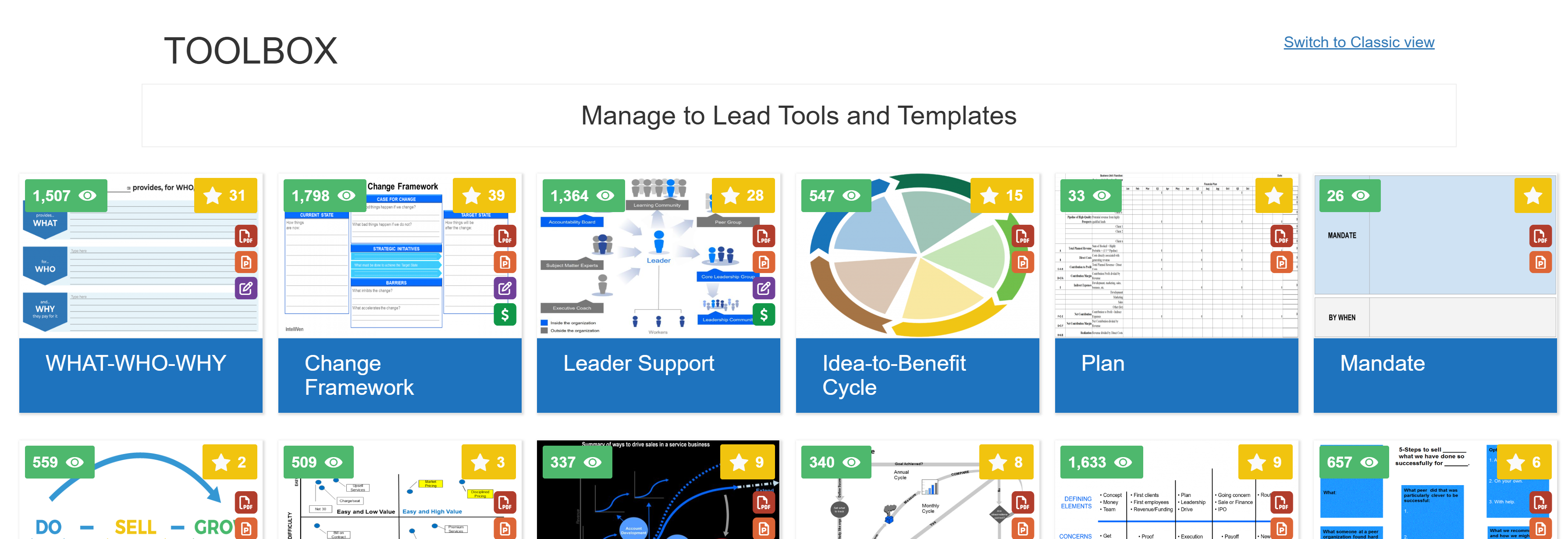
There are 60+ tools in the IntelliVen Toolbox. Each has a graphic that opens to related content, explanatory text and videos, templates, and associated PowerPoint, Word, and Excel documents. The full set of related content for the first three tools are accessible to anyone, any time. Subscribers have access to all the tools.
RESOURCS
- IntelliVen Operations Advisor (IVOA): a GPT loaded with the Manage to Lead: Seven Truths to Help You Change the World workbook.
- IVOA Sandbox: an AI powerd utility to infer, assess, suggest, and consolidate organization mandate and WHAT-WHO-WHY.
- Insights: Articles, presentations, and e-books on how MtL tools and methods, are applied.
- Blog: Descriptions of insights, lessons, and principles from experience applying Manage to Lead tools and methods.
- Videos: Clips from MtL sessions, workshops, and keynotes.
- IntelliSources: Proven providers of complementary business services we know and trust.
SEARCH
There are three ways to search for content you seek on the site:
- Enter words or phrases recalled from prior posts in the search box at the top-right of every page to search the site for what you seek. For example, if you have an upset client and remember a post on how to handle a disgruntled client, enter the word "disgruntled" into the search box and press enter. The post you are looking for, possibly among others, will likely appear.
 Another way to search the site is to go to the INDEX page and then use the browser search function to look for a key word that might be in the title of the post you seek.
- A third way to find a post on a specific topic is to click on the category in which it is most likely to appear. For example, click on the People Matters category to find posts related to salary reviews, performance assessments, and incentive plans.
MOBILE

Access intelliven.com from mobile devices via any browser. Use the browser's Add to Home Screen feature (example at right)
to place the IntelliVen App icon (at left) on the device home screen.
A gateway to descriptions of IntelliVen services organized into four content areas related to: developing operations; going to market; managing and controlling finances; and developing leadership, supervision, and governance.
[mc4wp_form]